
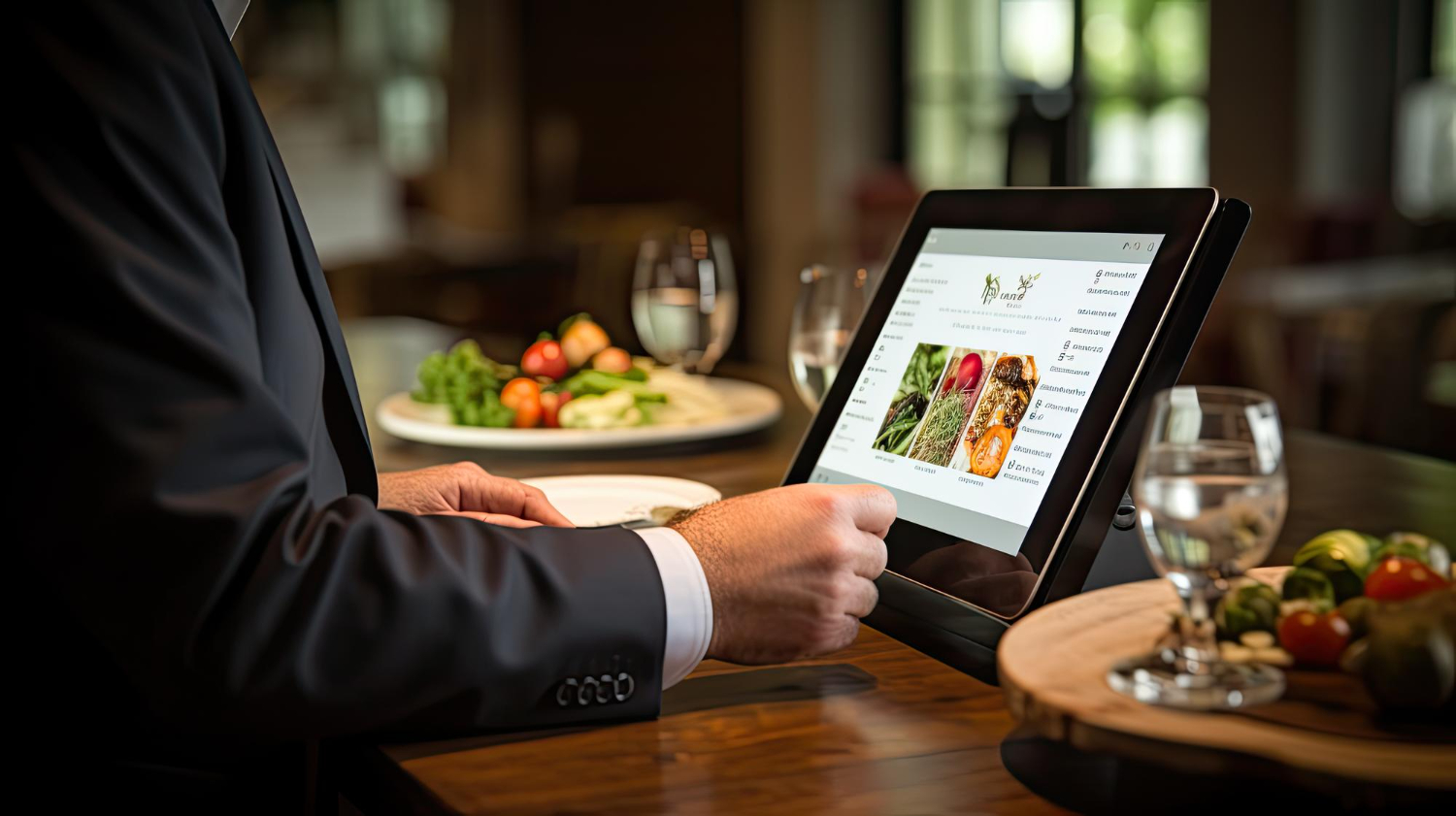
A restaurant website should help a hungry customer decide what to do next. See the menu, place an order, reserve a table, call the restaurant, or get directions. If those actions are difficult to find, even a well designed website can lose potential customers.
So, how do you create a restaurant website that actually generates orders and reservations? Start by building around customer behaviour instead of treating the website like an online brochure. Your menu needs to be easy to browse, ordering should take as few steps as possible, reservations should be simple, and the whole experience needs to work properly on mobile.
In this guide, you’ll learn how to build a restaurant website that gets found, ordered from, and booked.
Start With the Actions You Want Visitors to Take
Before choosing colours, fonts, images, or animations, decide what the website needs to accomplish. Most restaurant websites have several possible actions, but two usually matter most: ordering food and making a reservation. The priority can change based on the type of restaurant.
A takeout focused business may put “Order Online” first, while a full service restaurant may give “Reserve a Table” equal attention. Once these priorities are clear, they can guide the navigation, homepage layout, buttons, and individual landing pages instead of being added as an afterthought.
For restaurants that need more than a basic brochure style website, custom web design vs. template design can also be an important consideration. The right approach depends on the restaurant’s ordering system, services, locations, content, and conversion goals.
Make Ordering Easy to Find
Put the main ordering button in the navigation and repeat it naturally where customers are ready to take action.
Give Reservations Their Own Path
A reservation button should take visitors directly to available booking options instead of making them search through several pages first.
Keep Secondary Actions Secondary
Hours, directions, phone calls, catering, and gift cards matter, but they should not compete with the main conversion paths.
Build the Homepage Around the Customer’s First Questions
A restaurant homepage does not need to explain everything about the business. It needs to answer the questions a hungry visitor is likely to have quickly. What kind of food do you serve? Where are you located? Are you open? Can I see the menu? Can I order? Can I reserve a table? A strong homepage puts these answers within easy reach. Food photography can create interest, but useful information should remain visible instead of being hidden behind decorative sections, sliders, or lengthy introductions.
The same principle applies to any business website. A restaurant website should combine attractive design with clear navigation, useful information, and conversion focused functionality. These are some of the core principles covered in Enter Productions’ web design and development services.
Show the Restaurant Clearly
Use a strong food or dining image alongside a short description that tells visitors what the restaurant serves and where it is located.
Display Hours and Location
Opening hours, address, phone number, and directions should be easy to find, especially for visitors checking the site from their phones.
Put the Main CTA Above the Fold
“Order Online” or “Reserve a Table” should appear early on the page so visitors do not have to scroll through the entire homepage.
Make the Online Menu Easy to Read
The menu is often the point where a visitor decides if they are going to order. If the menu is difficult to read, incomplete, outdated, or buried inside a PDF, the website creates unnecessary work. A searchable HTML menu is usually a better experience because customers can browse it directly on their phones.
It also gives search engines actual text they can understand. Google’s restaurant structured data guidance includes a menu URL as a useful property for restaurant websites.The menu is also one of the essential elements that should be considered when planning a business website. A useful resource such as small business website essentials can help businesses evaluate the information and functionality their website should provide.
Use Real Text for Menu Items
Dish names, descriptions, prices, and relevant dietary information should be written as page content instead of being locked inside an image.
Organize the Menu Clearly
Separate starters, mains, sides, desserts, drinks, and other categories so customers can reach the section they want without excessive scrolling.
Show Useful Details
Include prices, portion information, ingredients where relevant, and dietary labels that help customers make decisions with less guesswork.
Keep Menu Information Current
An old price or unavailable dish can quickly damage trust, so menu content needs regular updates when items or prices change.
Make Online Ordering Simple From Start to Finish
A simple ordering process helps customers move from choosing a dish to completing payment without unnecessary steps. Keep pickup, delivery, customization, and checkout options clear.
Offer Clear Pickup and Delivery Choices
Tell customers early if they can order for pickup, delivery, curbside collection, or another available fulfillment option.
Keep Checkout Short
Only ask for information needed to complete the order, and make each stage of checkout easy to understand.
Make Customization Obvious
Options such as toppings, substitutions, spice levels, or dietary requests should be easy to select before checkout.
Confirm the Order Clearly
After payment, customers should receive clear confirmation showing the order details, timing, and any relevant collection or delivery information.
Design the Website for Mobile Visitors
A restaurant website can look excellent on a large monitor and still create problems for someone holding a phone in one hand while deciding where to eat. Menus need to be readable without constant zooming. Buttons need enough space to tap.
Phone numbers and directions should be easy to access. Online ordering and reservations should also work properly on smaller screens. Current restaurant website guidance continues to place strong emphasis on mobile usability, fast loading, simple navigation, and visible ordering and reservation actions.
A responsive website is particularly important because the customer journey may begin with a mobile Google search and end with an online order or reservation. Businesses can also review the benefits of responsive web design when planning their website experience.
Make Buttons Easy to Tap
Order, reservation, menu, call, and directions buttons should be large enough to use comfortably on a touchscreen.
Avoid Tiny Menu Text
Customers should be able to read dish names, prices, and descriptions without pinching and zooming around the screen.
Keep Important Links Visible
A mobile visitor should not need to open several menus just to find the restaurant address or ordering page.
Test the Complete Journey
Test menus, forms, payments, reservations, links, and contact buttons on different screen sizes before launch.
Use Local SEO to Help Nearby Customers Find You
A restaurant website also has a job to do before the visitor reaches the homepage. It needs to help search engines understand the business, its location, cuisine, menu, and other useful information. Local SEO can connect the website with searches made by people looking for restaurants in a particular city or neighbourhood. Consistent business information matters here.
The website should clearly state the restaurant name, address, phone number, hours, cuisine, and other location details. Google recommends using specific local business structured data, including the Restaurant type where appropriate.
For a broader understanding of how local search is changing, businesses can also explore modern local SEO and AI visibility, particularly as customers increasingly discover local businesses through search engines and AI powered platforms.
Use Location Naturally
Mention the city, neighbourhood, and service area where they genuinely help customers understand where the restaurant is located.
Keep Business Details Consistent
The name, address, phone number, hours, and other core information should remain accurate across the website and business listings.
Add Restaurant Structured Data
Structured data can help Google understand details such as the restaurant address, hours, cuisine, menu URL, and other business information.
Connect the Website With Google Business Profile
Keep the website, Google Business Profile, menu information, photos, hours, and contact details aligned so customers receive consistent information.
Optimizing the restaurant’s Google Business Profile can also support local discovery. Businesses can learn more about Google Business Profile optimization and how local businesses can improve their visibility in Google search.
For restaurants competing in local search, strategies designed to rank higher on Google Maps can also complement the website’s local SEO efforts.
Use Food Photography Without Slowing Down the Website
Good food photography can make someone stop scrolling, but large image files can create a different problem. If pages take too long to load, the visitor may leave before seeing the menu or ordering button. Restaurant websites need a balance between visual appeal and performance.
Photograph the Food People Actually Order
Prioritize signature dishes, best sellers, special menus, and food categories that help customers understand what the restaurant offers.
Compress Images Before Uploading
Large original photography files should be resized and compressed so the site does not load unnecessary data on mobile connections.
Keep Visuals Relevant
Images should support the restaurant experience rather than filling every section with decorative photography that adds little information.
Add Trust Signals Before Asking for the Order
People often want some reassurance before spending money at a restaurant they have not visited before. Reviews, testimonials, food photography, clear contact information, awards, press mentions, and information about the restaurant can all contribute to that confidence. Reviews should not replace useful information, though.
A homepage full of five star quotes still needs a readable menu, accurate hours, and a working ordering system. The strongest approach is to place trust signals near the points where customers are deciding if they want to order, visit, or reserve.
Create Separate Pages for Different Search Intent
One restaurant website does not need to put every keyword and service on the homepage. Separate pages can give visitors a clearer route to the information they are looking for. A restaurant might have dedicated pages for its menu, online ordering, reservations, catering, private events, locations, and specific cuisine or service offerings.
This also gives search engines clearer pages to understand and index. The important point is to create pages because they serve a real customer need, not simply to produce a large number of thin pages.
Build a Dedicated Menu Page
Give customers one clear location where they can browse dishes, prices, categories, dietary information, and specials.
Create an Ordering Page
A dedicated ordering page can focus entirely on helping customers select food and complete their purchase.
Add a Reservations Page
Use this page to explain booking options, policies, party sizes, and the reservation process.
Create Service Pages When Needed
Catering, private dining, events, delivery areas, and other substantial services can have their own pages when customers regularly search for them.
How Enter Productions Builds Restaurant Websites Around Business Goals
A restaurant website should connect design, menu usability, mobile performance, SEO, and customer actions. Enter Productions brings 17+ years of experience in web design, digital marketing, SEO, video, photography, and branding. Its team works with WordPress, Shopify, and WooCommerce, with a focus on mobile performance, Core Web Vitals, and SEO.
Restaurants can also benefit from having website development and marketing handled under one team. For restaurants that need customer acquisition beyond their website, digital marketing for restaurants can connect website strategy with search, social media, paid advertising, and other marketing channels.
If you’re planning a restaurant website, explore web design services and discuss your goals with the team.
Final Thoughts
A restaurant website should make the decision to order or visit easier, not add another layer of work. That starts with a clear homepage, an easy to read menu, simple ordering and reservation paths, strong mobile performance, and accurate local information. SEO helps bring the right people to the site, while thoughtful design gives them a reason to stay and take action.
Reviews, food photography, structured data, useful service pages, and clear calls to action all have a role, but none should get in the way of the basics. When the website is built around real customer behaviour, it can become a useful sales channel instead of simply an online menu.
FAQs
What should a restaurant website include?
A restaurant website should usually include the menu, ordering options, reservations, hours, location, contact details, About information, and relevant service pages.
How can a restaurant website get more online orders?
Make the menu easy to browse, place clear ordering buttons throughout the site, keep checkout simple, and make the ordering experience work well on mobile devices.
Should a restaurant website have online reservations?
If the restaurant accepts table bookings, an online reservation system can make the process easier by letting guests check availability and book without calling.
How important is mobile design for a restaurant website?
It is very important because many restaurant visitors browse on phones. Menus, ordering, reservations, directions, and contact buttons should all work comfortably on smaller screens.