
Video marketing for small businesses can help explain services, demonstrate products and build trust with potential customers. You do not need a large production budget to get started. A smartphone, a clear message and a suitable platform can be enough to create useful content.
The key is to make videos that answer customer questions and support a business goal, such as generating enquiries, increasing website visits or encouraging purchases. From planning your first video to promoting it across different channels, these 8 practical tips can help you get better results from your video marketing efforts.
1. Set a Clear Goal for Every Video
Before recording, decide what you want the video to achieve. A video designed to introduce your business will need a different message from one intended to generate sales.
- For brand awareness: Introduce your business, team or services.
- For lead generation: Answer a common customer question and invite viewers to request a quote.
- For sales: Demonstrate a product, explain its benefits or address a common buying concern.
Example: A home renovation company could create a short video explaining its renovation process and end with a prompt to book a consultation.
2. Choose the Right Type of Video
Select a format that suits your goal, audience and available resources. Effective small business video marketing can include educational clips, product demonstrations, customer testimonials and behind the scenes footage.
Consider these video marketing ideas for small businesses:
- Explainer videos: Show how a service works or explain a complicated topic.
- Product demonstrations: Highlight features, uses and practical benefits.
- Customer testimonials: Let satisfied customers describe their experience, with their permission.
- Behind the scenes videos: Introduce your team, workspace or production process.
- Frequently asked questions: Answer questions customers often ask before making a purchase.
Example: A local bakery could film how a popular product is prepared, while an accounting firm could explain a common tax question in a short educational video.
3. Brainstorm Ideas for the Setting and Script
You do not need to invent a completely new concept for every video. Start with questions customers already ask, problems your business solves and services people may not fully understand.
Write down five to ten ideas before filming. Choose a suitable location with good lighting and limited background noise. Keep the setting relevant to your message, whether that means filming in your shop, office, studio or workplace.
Tip: Review customer enquiries, sales conversations and website FAQs for ideas. This gives you a practical starting point for creating marketing videos for small business audiences that address real needs.
4. Prepare the Tools You Need
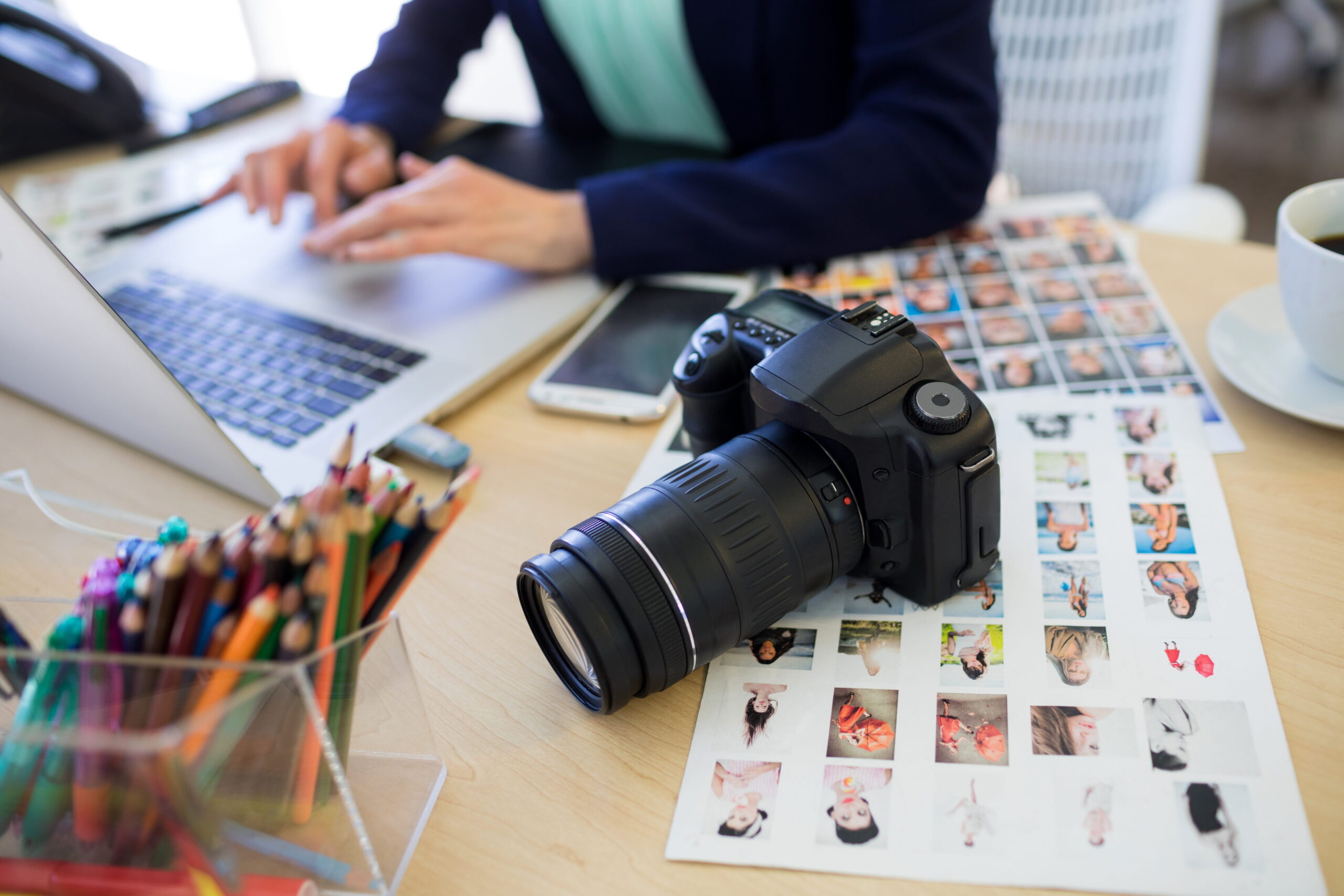
Start with equipment that helps you record clear, watchable videos. Expensive cameras are not necessary for every social media clip, but poor sound, shaky footage and dark lighting can make content difficult to follow.
Your basic checklist may include:
- A smartphone or camera that records clear video.
- A tripod to keep shots steady.
- A microphone for clear speech.
- Natural light or a simple lighting setup.
- Editing software for trimming clips and adding captions.
For a quick product update or social media post, a smartphone may be sufficient. For a company profile, brand film or major promotional campaign, professional equipment and production support may be worth considering.
5. Write a Simple Script and Plan Your Shots
A clear script helps you stay focused and avoid unnecessary retakes. You do not need to memorise every word. Outline the main points and decide which visuals will support them.
A useful structure is:
- Hook: Start with a customer problem or question.
- Main message: Explain the solution, service or benefit.
- Proof: Show the product, process, result or customer experience.
- Call to action: Tell viewers what to do next.
Example: A cleaning company could open with a question about preparing a property for new tenants, show its cleaning process and finish by inviting viewers to request a quote.
Planning these shots in advance also helps you capture enough footage for the final edit.
6. Film With Your Audience in Mind
Good filming is about making the message easy to understand, not simply capturing attractive footage. Keep the subject in focus, record clear audio and use framing that suits the platform.
For video marketing tips for small businesses, keep these basics in mind:
- Record vertical video for platforms such as Instagram Reels and YouTube Shorts when appropriate.
- Get to the main point early instead of using a long introduction.
- Use captions so viewers can follow along without sound.
- Show the product or service in action when possible.
- Record a few extra shots to give yourself options during editing.
Example: A furniture store could film a product from several angles, demonstrate its storage features and show its dimensions on screen.
7. Edit the Video and Add a Clear Call to Action
Editing should make your video easier to follow. Remove long pauses, repeated points and footage that does not contribute to the message. Add captions, readable text and your business branding where appropriate.
Keep the length suited to the content. Short videos can work well for social media discovery, while detailed demonstrations or tutorials may need more time. Focus on delivering the information viewers came for rather than cutting useful details just to meet an arbitrary duration.
Finish with one relevant action, such as:
- Visit your website.
- Browse your products or services.
- Call your business.
- Book a consultation.
- Request a quote.
For promotional videos for small businesses, make sure the call to action matches the video’s goal and leads viewers to a relevant page rather than a general destination.
8. Publish, Promote and Measure Results
Uploading a video is only one part of the process. Share it on the platforms your customers use, embed it on a relevant website page and consider including it in email campaigns when it supports the message.
Your distribution plan could include:
- Instagram and Facebook: Share short demonstrations, customer stories and behind the scenes clips.
- YouTube: Publish tutorials, service explainers and searchable educational content.
- LinkedIn: Share company updates, industry knowledge and business case studies.
- Your website: Add videos to relevant service pages to help visitors understand your offer.
For video advertising for small businesses, start with a specific audience and objective. Test a small campaign budget before increasing spending, and compare the results with your goals.
Track relevant metrics such as watch time, clicks, website visits, enquiries and sales. Views can show reach, but they do not tell the whole story. Use the results to decide which topics and formats are worth repeating.
Benefits of Video Marketing for Small Businesses
Video can support different stages of the customer journey, from discovering a business to deciding to buy. Its value depends on the content, audience and distribution strategy.
Builds Trust With Potential Customers
Videos can introduce the people behind a business, show how work is completed and answer questions before a customer gets in touch. Demonstrations and genuine testimonials can help viewers understand what to expect.
Explains Products and Services Clearly
Some services are difficult to explain through text alone. A short demonstration or explainer video can show how something works, what is included and how it addresses a customer problem.
Helps Attract Website Traffic
Videos shared on social platforms can introduce new audiences to your business. Relevant videos embedded on service pages or published on YouTube may also help people discover your content and explore your website.
Supports Lead Generation and Sales
A video with a relevant call to action can encourage viewers to request a quote, book a consultation or browse a product page. Results depend on the offer, audience, landing page and follow-up process.
Gives You Content to Reuse
One planned shoot can provide footage for a main video, short social clips, website content and email campaigns. Reusing suitable footage helps small teams get more value from their production time.
Best Video Marketing Tools for Small Businesses on a Budget
Creating effective video marketing for small business campaigns does not require expensive software. Several free and affordable tools can help you record, edit and publish professional looking videos without stretching your marketing budget. The best choice depends on your content type, editing experience and the features you need.
| Tool | Best for | Budget |
| Canva | Branded promotional videos, templates and social media content | Free plan available |
| CapCut | Reels, Shorts, captions and quick video edits | Free plan available; some features require payment |
| Adobe Express | Simple promotional videos, branded graphics and social content | Free plan available |
| Microsoft Clipchamp | Beginner friendly editing, trimming clips and adding text | Free plan available |
| DaVinci Resolve | Advanced editing, colour correction and professional video production | Free version available; paid Studio upgrade |
| iMovie | Basic video editing on compatible Apple devices | Free |
These tools can support different video marketing ideas for small businesses, from product demonstrations to customer testimonials and behind the scenes clips. Canva and Adobe Express are useful for creating branded content, while CapCut can help with short form social videos.
Clipchamp and iMovie offer straightforward editing options, and DaVinci Resolve provides more advanced controls for businesses willing to learn the software.
Let Enter Productions Help With Your Video Marketing
Planning, filming and promoting videos takes time, especially when you are also managing daily business operations. Enter Productions provides video production and digital marketing services to help businesses communicate their value and reach relevant audiences.
If you need support with promotional videos, company profiles, product videos or a wider marketing strategy, our team can help plan content around your business goals. Professional support can also help keep your messaging and visual style consistent across your website and marketing channels.
Explore our video production portfolio or contact Enter Productions to discuss your project.
FAQs
1. What is video marketing for small businesses?
Video marketing uses videos to promote a business, explain its products or services, answer customer questions and encourage actions such as enquiries or purchases.
2. What are some effective video marketing ideas for small businesses?
Product demonstrations, customer testimonials, behind the scenes clips, frequently asked questions, tutorials and short service explainers are useful starting points.
3. Which platforms are best for small business video marketing?
Instagram, Facebook, YouTube and LinkedIn can all be useful. Choose platforms based on your audience, business type and the content you plan to publish.
4. How can small businesses measure video marketing success?
Track metrics that match your goal, including watch time, engagement, website clicks, qualified enquiries, bookings and sales. Do not rely on views alone.
5. Do small businesses need professional video production?
Not for every video, Smartphone content can work well for regular updates, while professional production may be useful for brand films, product campaigns and videos that represent your business across key marketing channels.